
Report Forms

The information on this page only applies to version 6.1 of the Reporting Software Options and related documentation. See this page for other versions of the documentation. The version number of the PRL software you are using can be found on the Help menu under the About item.
The PRL report forms are where you will enter the data that you need to report to the NYSDEC. Each form is used to report a particular type of pesticide-related activity.
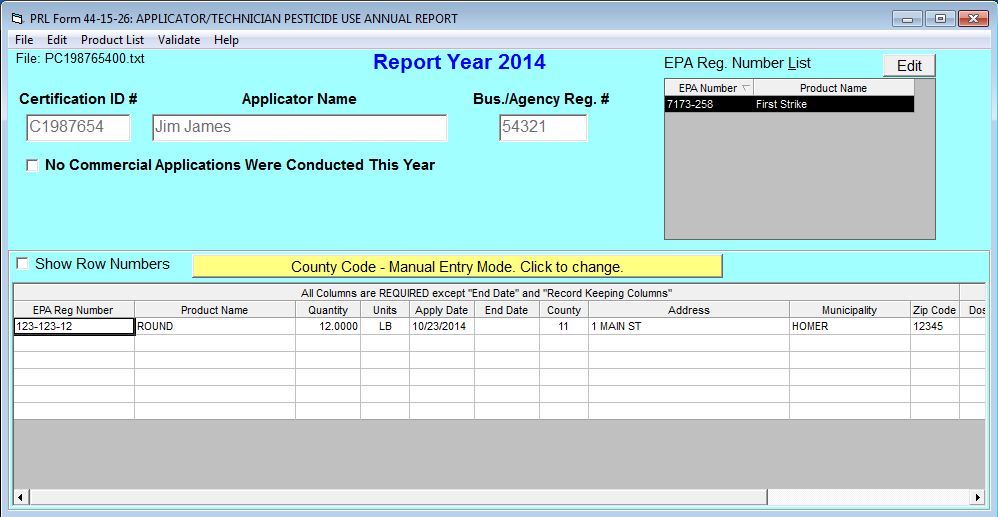
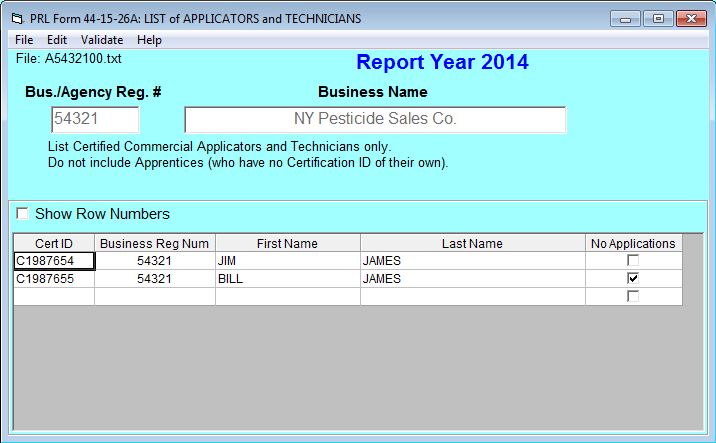
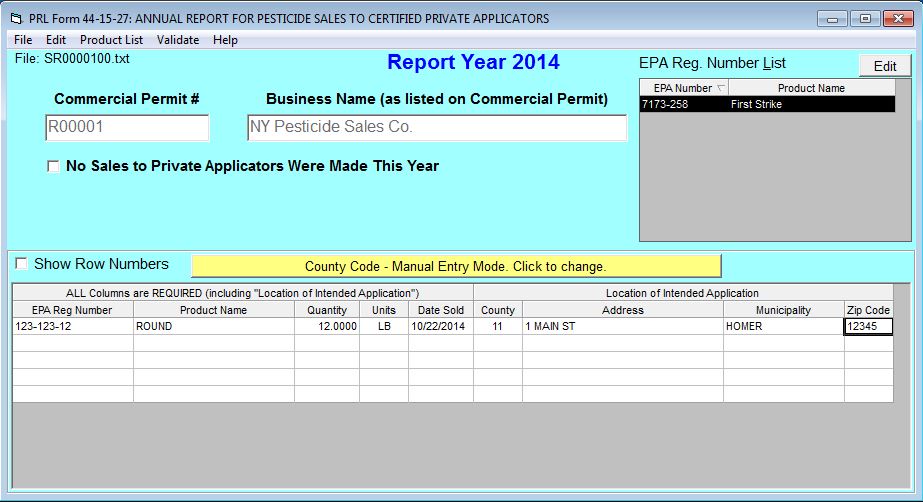
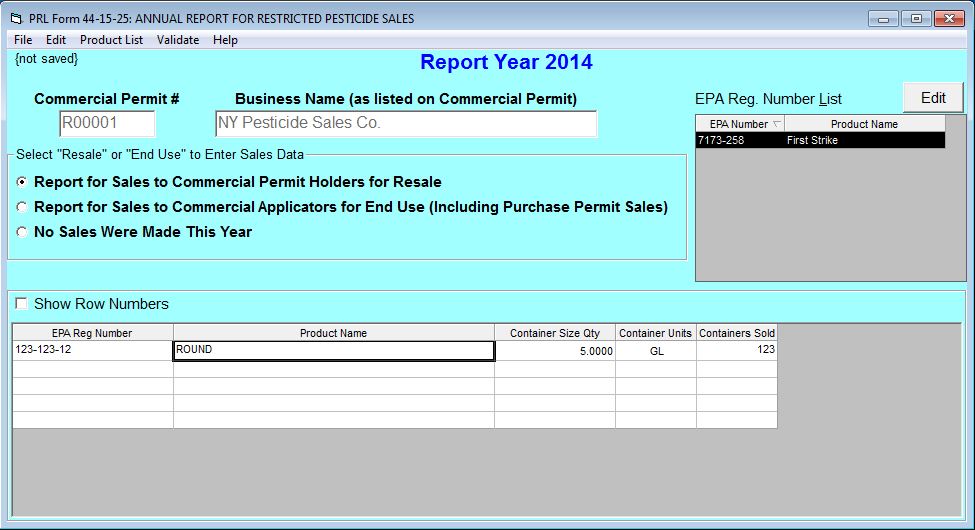
Identity Fields
The identity fields in the header area of each form are filled with the values you entered on the Control Center. With the exception of the commercial permit number, these fields are not editable.
The commercial permit number field is editable so that you can report for multiple commercial permittees in one report submission. Changes to the commercial permit number field on Form 25 or 27 do not update the field on the Control Center.
Form 26A also includes a business registration number column. If your pesticide business has more than one business registration number, you may but are not required to include all of your business’s registration numbers on the Form 26A.
Reporting No Activity
On each of the forms you can indicate that there was no reportable activity for the report year. See Reporting No Applications or Sales for more information.
Data Entry Grid
Below the header area of each form is a data entry grid. If you have applications or sales to report, enter each pesticide application or sales record in its own row in the grid. Although the forms open with a limited number of rows, additional rows will be added to the grid as needed.

On Form 25, 26, and 27 the data entry grid is hidden if you have indicated that you have No Applications (or No Sales) to report.
You can use the arrow keys, tab keys, Enter key, or mouse to move from one cell in the grid to another.
If you hover over a cell with your mouse, a tool tip containing a data description for that cell will display. Additional information about the fields on each form is available from the Data Dictionary.
Cells are validated as you move the insertion point to the next cell. While it is possible to save and submit your files without correcting validation errors, the Pesticide Reporting Service Bureau may reject or return reports because of invalid data.

Please Note
Ditto marks or use of the words "ditto", "same", or similar entries are not accepted by the Pesticide Reporting Service Bureau. Instead, you can use the EPA Reg Number List. or copy and paste as a convenient way to enter the same information repeatedly.
Report Form Menus and Controls
The forms have a set of menus and controls designed to assist you in creating your PRL report.