
Using the Workbooks

The information on this page only applies to version 6.1 of the Reporting Software Options and related documentation. See this page for other versions of the documentation. The version number of the PRL software you are using can be found on the Help menu under the About item.

Modifying Option D Spreadsheets
Do not modify the format or layout of any of the Option D spreadsheets. Modifying the spreadsheets will prevent us from processing the files and may lead us to reject your submission.
Form Header
Each form has one or more identification numbers in the header area appropriate to the form type. These identification numbers are used to associate your report with the correct applicator(s) or organization. If you are required to fill out a particular form type, you must also fill out the identification numbers and associated name field in the header area.

The business registration number is not required on Form 26, but you should submit it if you have one so that we contact you as needed. If you have more than one business registration number, see this FAQ.
All applicators and pesticide sales businesses are required to report even if they did not make any applications or sales. See Reporting No Applications or Sales for more information.
The forms also include a report year field in the header area. This field is also required. In addition, links to this documentation in three different formats are included.
Data Entry Grid
Both Option D and O contain descriptions for each column in the column heading comments. Click in the cell and the cell comment will appear. Option D also contains the column descriptions in small popup windows that appear when you click in a cell.

The popup windows that appear when you click on a cell in the data entry grid of Option D can be moved. Just click in the popup and drag it while holding the mouse button down.
In Option D some columns are validated. If the data you enter does not conform to the criteria for the column, Excel will display a descriptive error message. You will need to correct (or delete) the data in the cell before moving to the next cell. If you need more information about a particular column, complete field descriptions can be found in the Record Layouts section or the Data Dictionary.
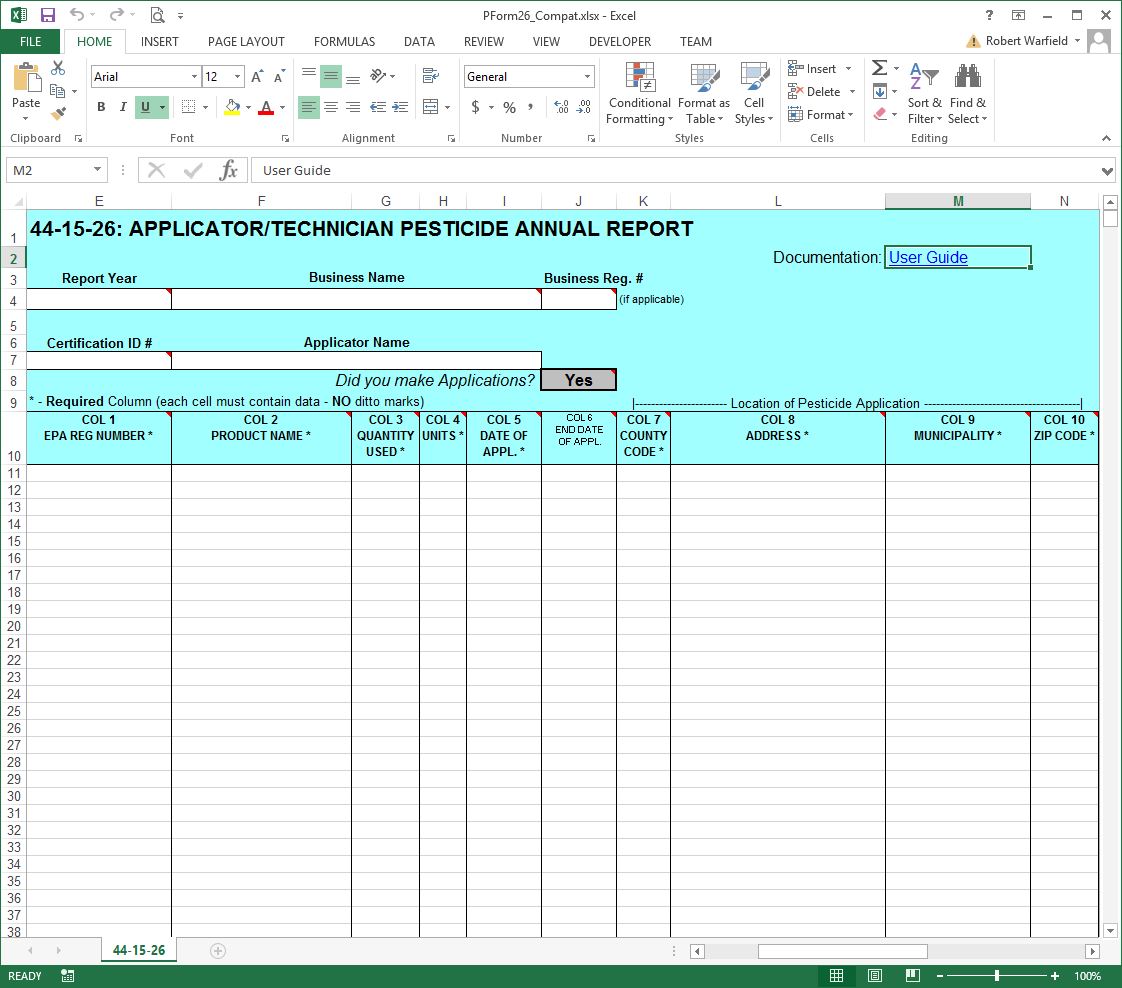
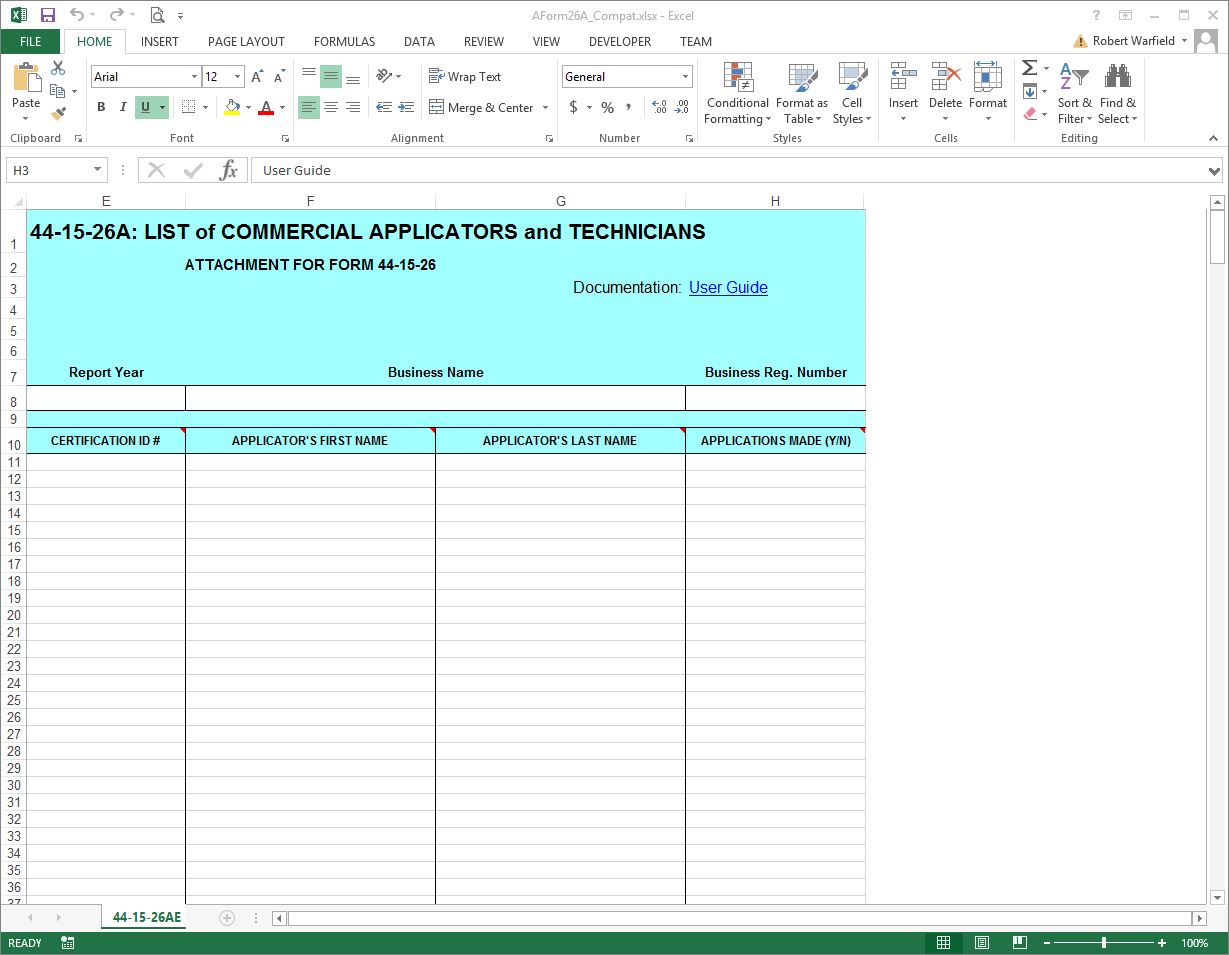
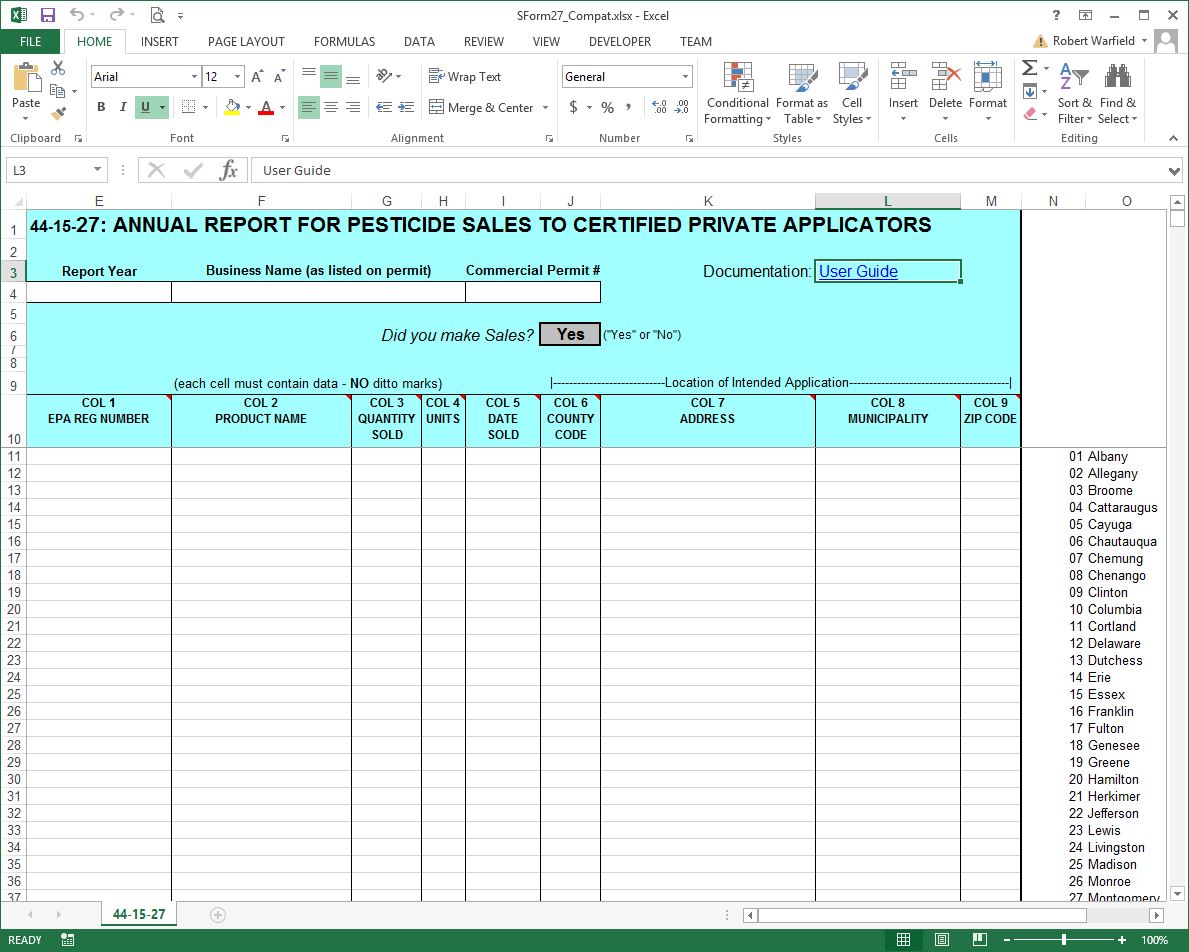
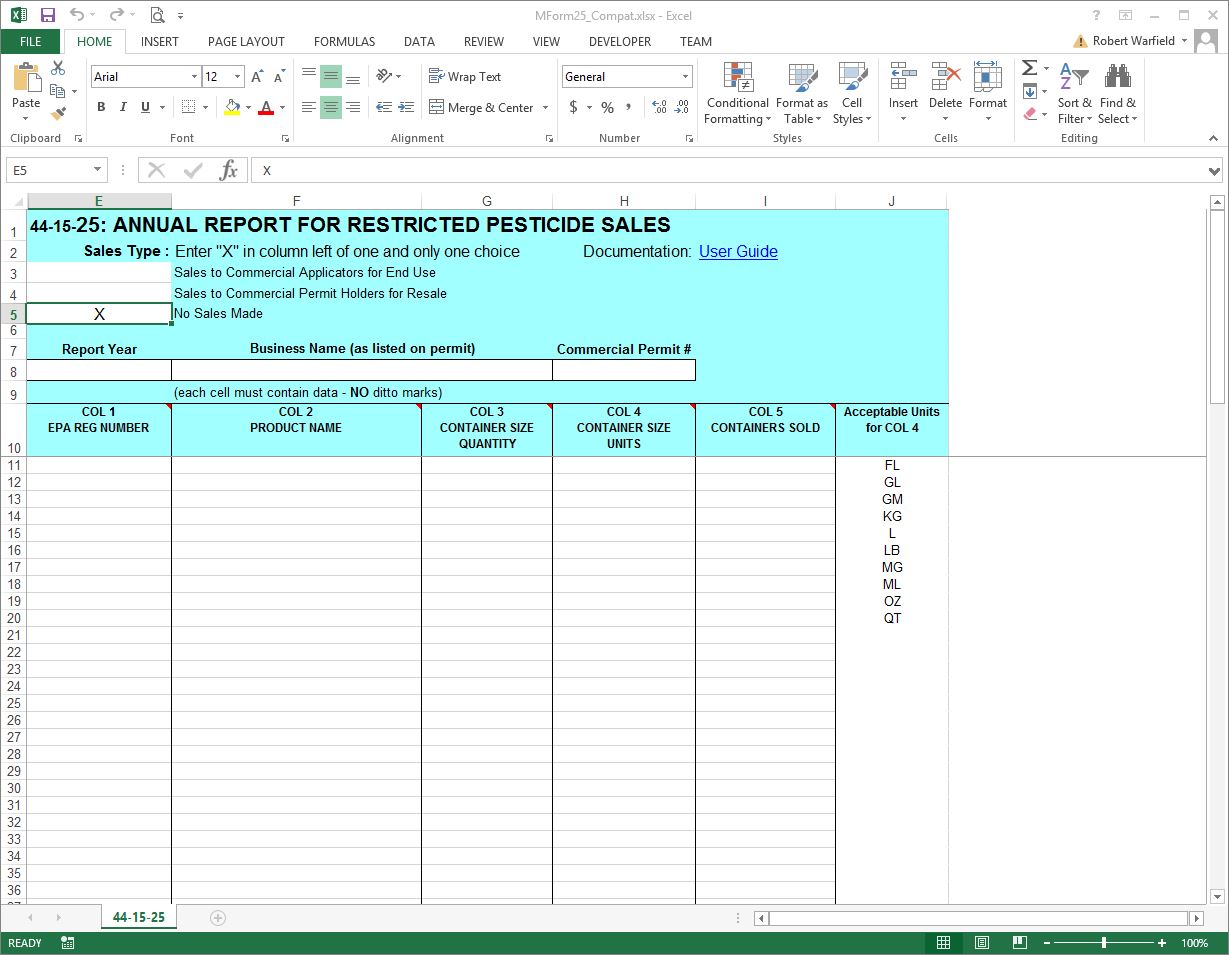
Report Forms
Each form is used to report a particular type of pesticide-related activity.
Record Layouts
The columns on each form and their descriptions are: